 WorkerDock
Cloudflare weekly: two email tools, Deno joins, and a local testing tip
Box Ox and EmailFlare for self-hosted email, EmDash 1.0 news, Deno joining Cloudflare, and how to test Cron Triggers locally.
Box Ox and EmailFlare for self-hosted email, EmDash 1.0 news, Deno joining Cloudflare, and how to test Cron Triggers locally.
Every week I will post a short roundup for people who build on Cloudflare: new tools, EmDash news, one story and a tip or two. This is the first one.
Two email tools came up this week, so I read the docs of both. I did not deploy either one. Here is how I would choose.
Box Ox gives you a browser inbox, a sending API, signed webhooks, templates and a typed JavaScript SDK. It all runs in your own Cloudflare account on Workers, R2, D1 and Queues.
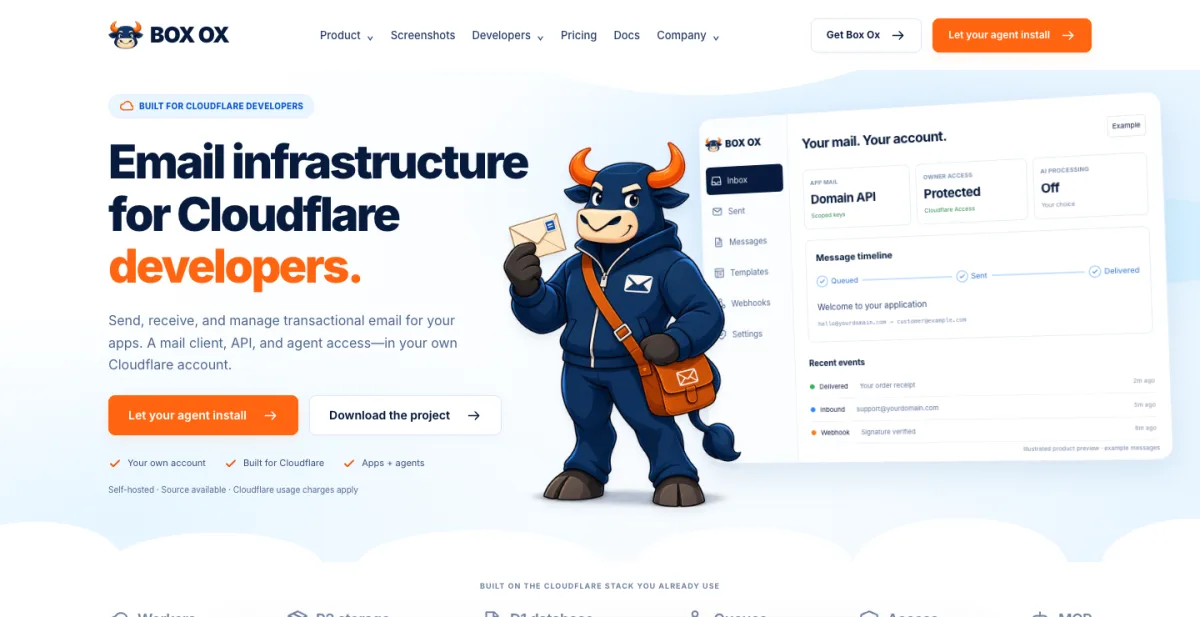
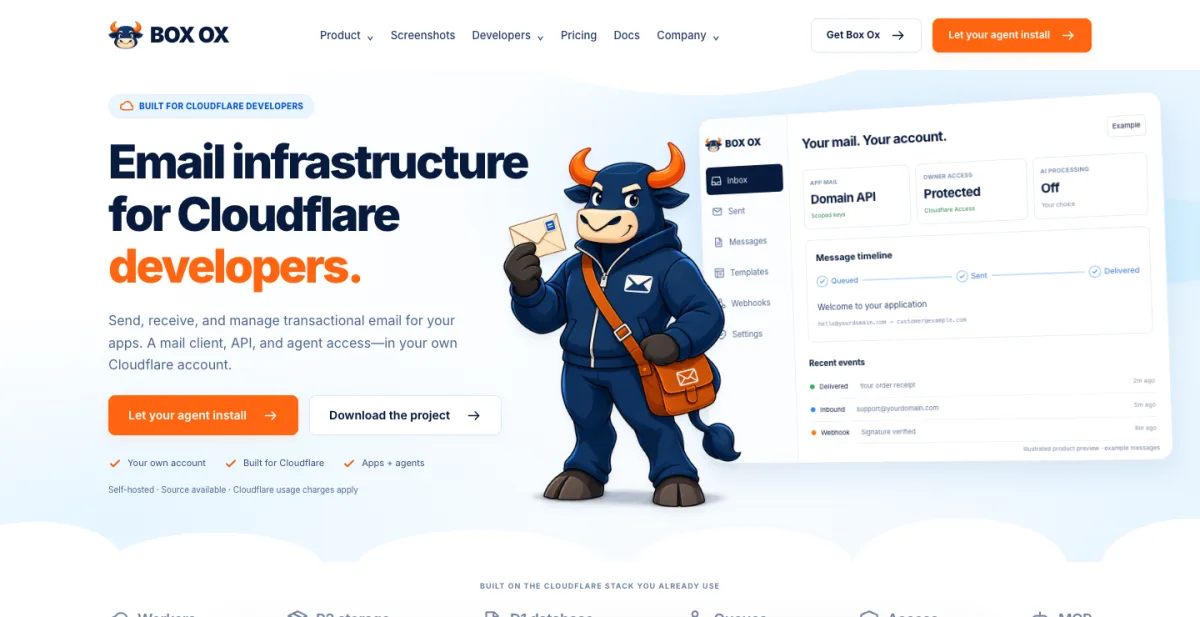 The Box Ox homepage. Screenshot: boxox.dev.
The part I like most is agent access. An app or an AI agent connects through MCP or an agent API, and you set which mailboxes it can use and how much it can send. Cloudflare Access protects the admin side.
Things to know before you try it:
pnpm run deploy. Or you hand the install link to your coding agent.It is made by Ian Muench and contributors.
EmailFlare does less, and that is the point. It is a REST API, an admin dashboard, templates, domain management and scoped API keys for sending through Cloudflare Email Sending. There is also a small team inbox called emailflare-inbox for receiving and replying.
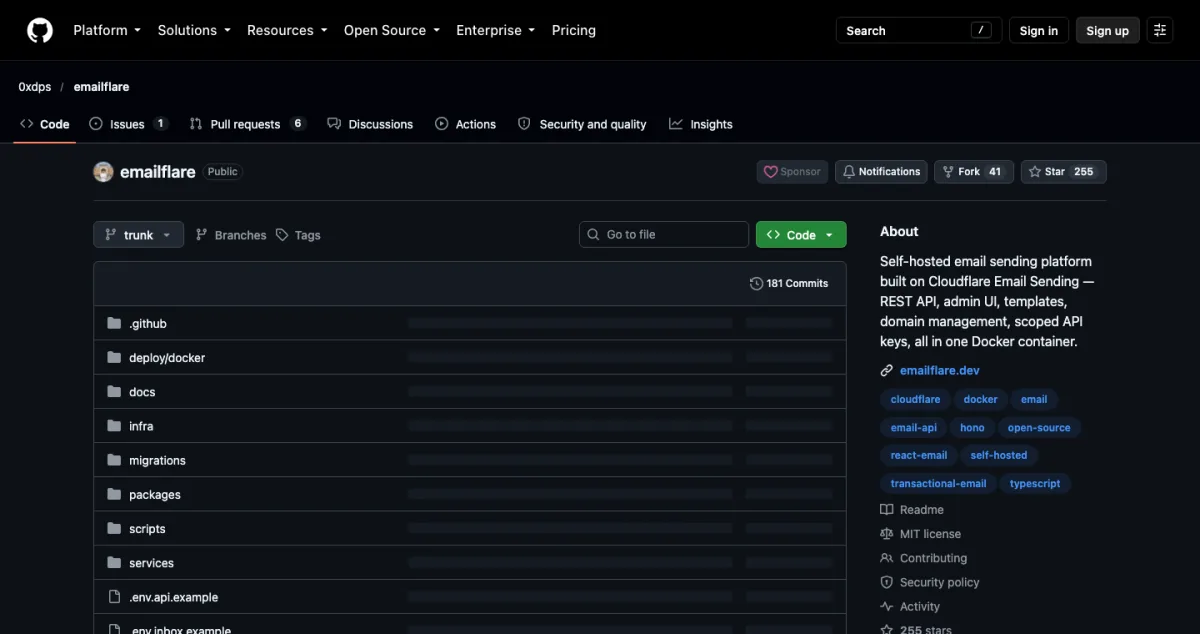
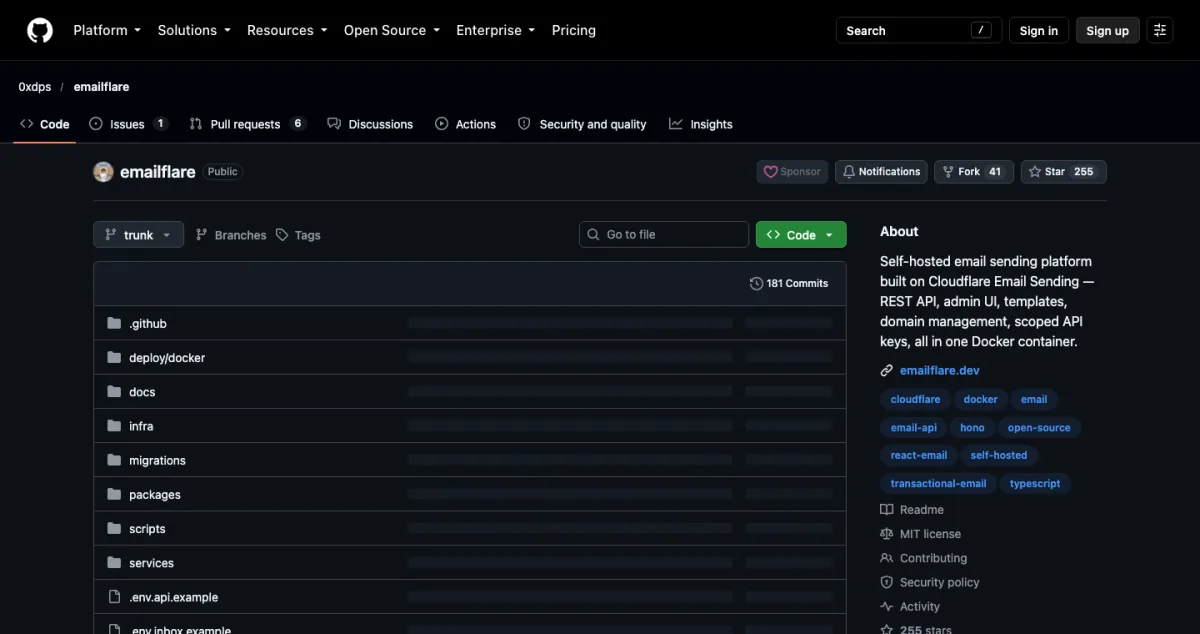 The EmailFlare repository. Screenshot: github.com/0xdps/emailflare.
It runs as Workers or as one Docker container, it is MIT licensed, and it has about 255 stars on GitHub. It is built by 0xdps.
If you are unsure, start with EmailFlare. It is the lower commitment. Switch to Box Ox when you need the inbox and the agent permissions.
registry option.For a plain intro to the CMS, see EmDash: Cloudflare’s open-source CMS built on Astro.
On 9 October, Ryan Dahl and Kenton Varda announced that Deno is joining Cloudflare. News outlets call it an acquisition, and the terms were not shared. Reports say Dahl and Deno co-founder Bert Belder will lead the work of merging Deno’s self-hosted Workers project, celld, into workerd, Cloudflare’s open-source Workers runtime.
For Deno users it means change. Deno Deploy shuts down within six months, and paying users move to Workers. The Deno runtime gets a year of bug-fix and security releases, then development stops. JSR keeps running. There is no timeline yet for the merge.
For Cloudflare developers, the interesting part is self-hosting. workerd is open, but the bindings (KV, D1, R2) are not, which has made self-hosting Workers hard. This is a sign Cloudflare wants to fix that.
Read more: The New Stack and DevOps.com.
From Birthday Week and the changelog, the ones I would look at first:
cf docs search and renamed generated commands to kebab-case, which breaks old scripts. (changelog)The full list is in Cloudflare’s Birthday Week wrap-up.
Local development never runs Cron Triggers on its own. Local Explorer now lets you fire one by hand.
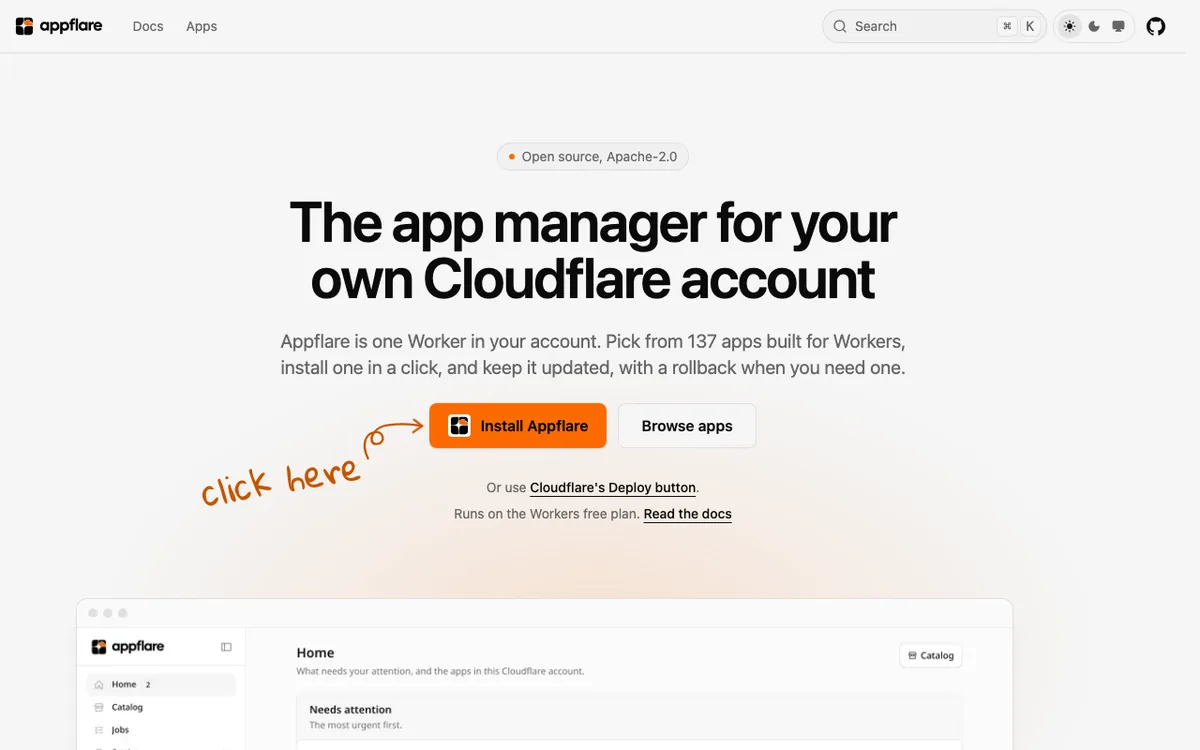
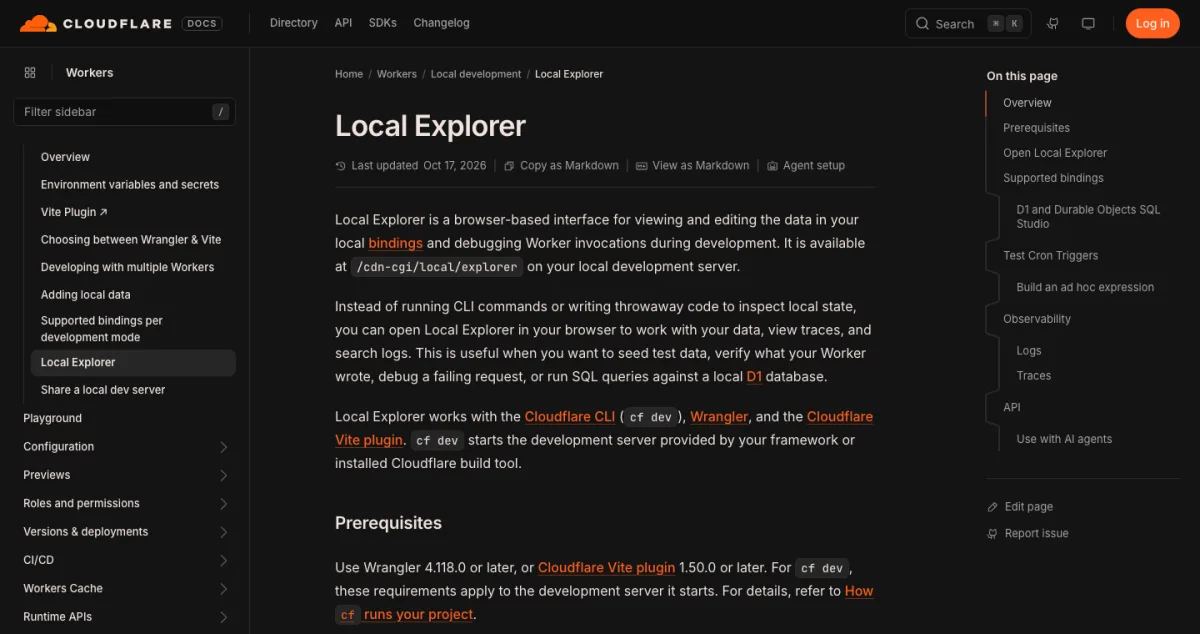 The Local Explorer docs. Screenshot: developers.cloudflare.com.
npx wrangler dev (or npx vite, or cf dev)./cdn-cgi/local/explorer on the address it prints, for example http://localhost:8787/cdn-cgi/local/explorer.Your Worker must export a scheduled() handler. You need Wrangler 4.139.0 or later, or the Cloudflare Vite plugin 1.60.0 or later. Turn on Observability to see full logs. Source: Cloudflare docs.
Do not type the Env interface by hand. Run wrangler types and it generates it from your config, so a missing binding becomes a compile error instead of a runtime surprise. This is one of the habits in Cloudflare’s Workers best practices.
If you try several of these, your account fills up with Workers, D1 databases and R2 buckets. WorkerDock is the free Mac app I built to see them in one window: status, ports, logs and bindings.
Built something on Cloudflare? Tell me on X, @harishchouhan. I may feature it next week.
Directory
Hand-picked open-source projects you can run in your own Cloudflare account.
WorkerDock finds your local Workers, Pages and Astro projects and shows each one's port, logs and bindings in one window.