 WorkerDock
EmDash 1.0 and five Cloudflare-native projects worth watching
Six open projects for Cloudflare developers: the EmDash CMS, Mailflare and Relaybase email, DocFlare AI search, the Appflare app manager and EmDash plugins.
Six open projects for Cloudflare developers: the EmDash CMS, Mailflare and Relaybase email, DocFlare AI search, the Appflare app manager and EmDash plugins.
EmDash 1.0 is out, and developers keep building new open projects on Cloudflare. I looked for them. This post describes six: the EmDash CMS and five projects from independent makers.
Four of the five run in your own Cloudflare account: Mailflare, Relaybase, DocFlare AI and Appflare. The fifth is a set of plugins for EmDash. Most of these projects are only a few weeks or months old. Each one has a maker you can follow on X.
*Note: Star counts and version numbers are correct on 13 October 2026. They change often.
| Project | What it does | Maker on X |
|---|---|---|
| EmDash | Open-source CMS for Astro, from Cloudflare | @EmDashCMS |
| Mailflare | Self-hosted email inbox for your own domain | @hieuSSR |
| Relaybase | Fast email inbox for your Cloudflare domains | @ycisaac |
| DocFlare AI | AI search and chatbot for documentation sites | @pierreneter |
| EmDash plugins | Plugins that carry WordPress features over to EmDash | @wpgaurav |
| Appflare | App manager for your Cloudflare account | @MendyOK |
EmDash is an open-source CMS built on Astro and TypeScript. The project calls itself the spiritual successor to WordPress, and it is brought to you by Cloudflare. The homepage now says “EmDash 1.0 is here”, and the GitHub repository has about 13,500 stars*.
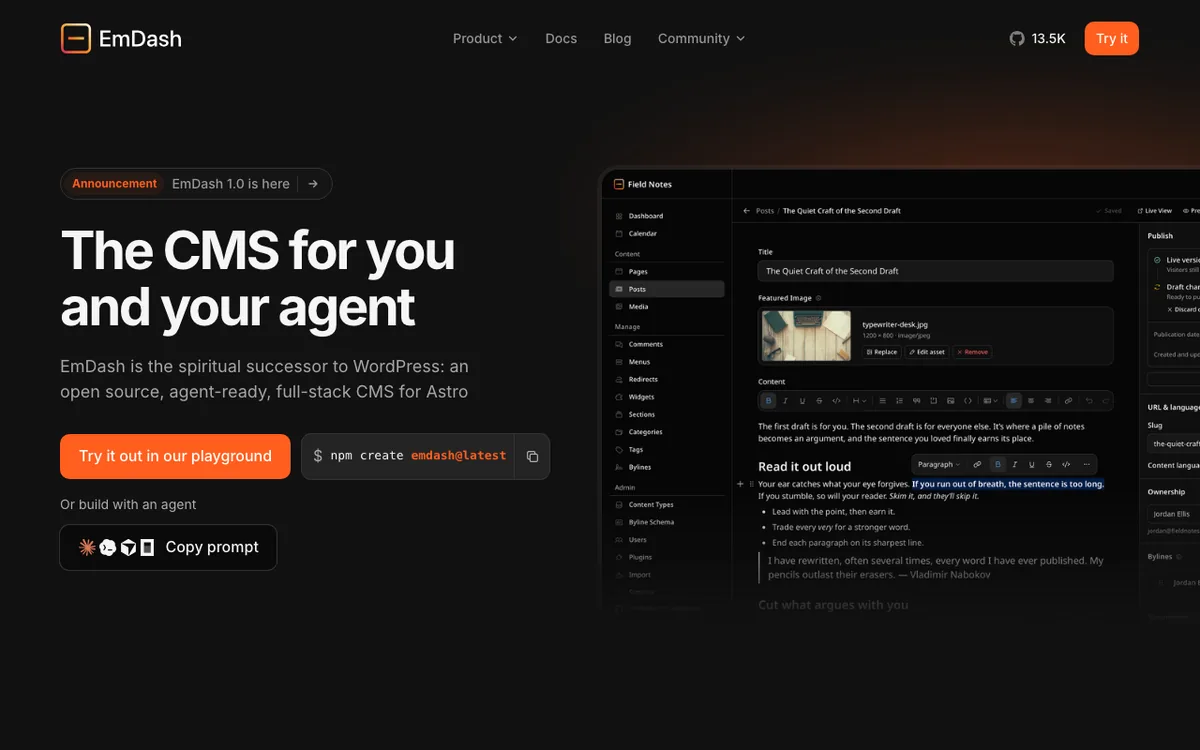 The EmDash homepage. Screenshot: emdashcms.com.
What stands out:
To try it, use the browser playground or run npm create emdash@latest. I wrote a plainer guide in EmDash: Cloudflare’s open-source CMS built on Astro.
Follow the project: @EmDashCMS.
Mailflare is a self-hosted email inbox for custom domains. You run it in your own Cloudflare account. By default, Cloudflare Email Routing receives mail and Cloudflare’s email service sends it. Messages go to D1, attachments to R2, and you can swap in Resend or Amazon SES if you prefer.
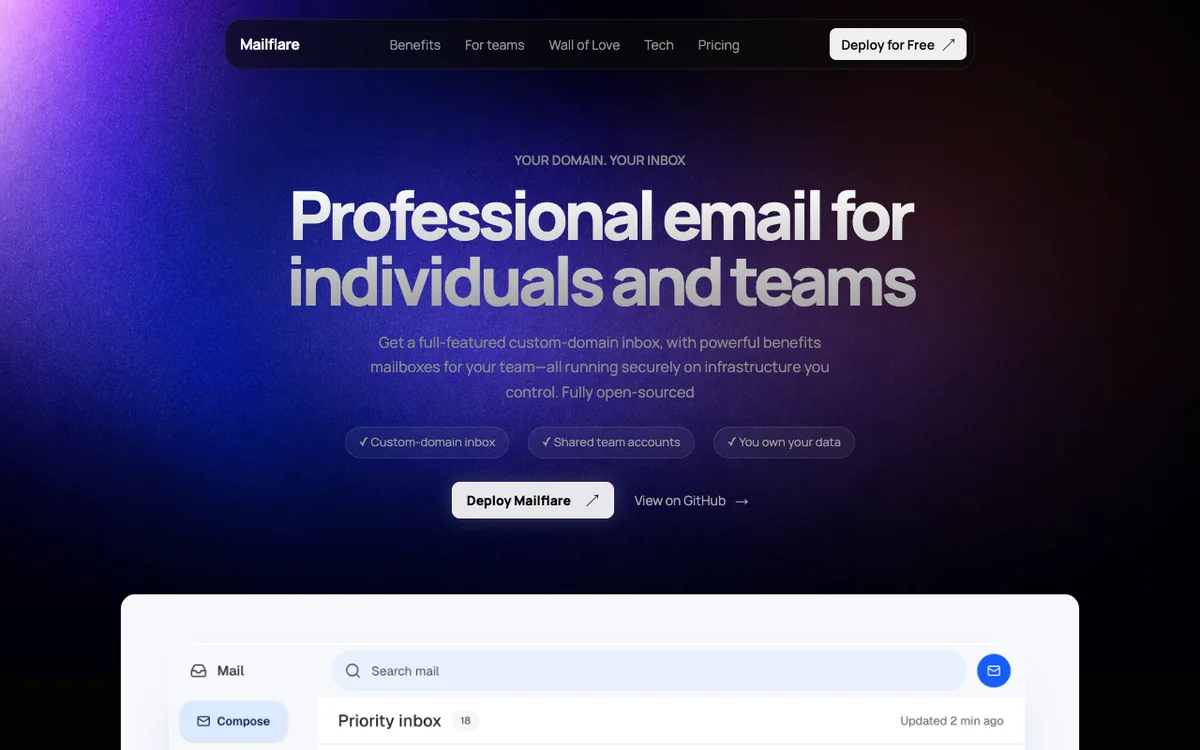 Mailflare’s homepage. Screenshot: mailflare.co.
It does more than I expected for a project created in May:
It is AGPL-3.0, has about 5,000 stars* and 678 forks*, and offers a “Deploy to Cloudflare” button. There is also a Docker option. The README notes that receiving mail through Email Routing is free, while Cloudflare’s own sending needs a paid Workers plan.
Built by hieunc229 on GitHub. Follow on X: @hieuSSR. Code: github.com/hieunc229/mailflare.
Relaybase is also about email, but from a different angle. It is a keyboard-first inbox for every domain on your Cloudflare account. You install an open-source Worker, an R2 bucket and D1 databases into your account. Relaybase does not host your mail.
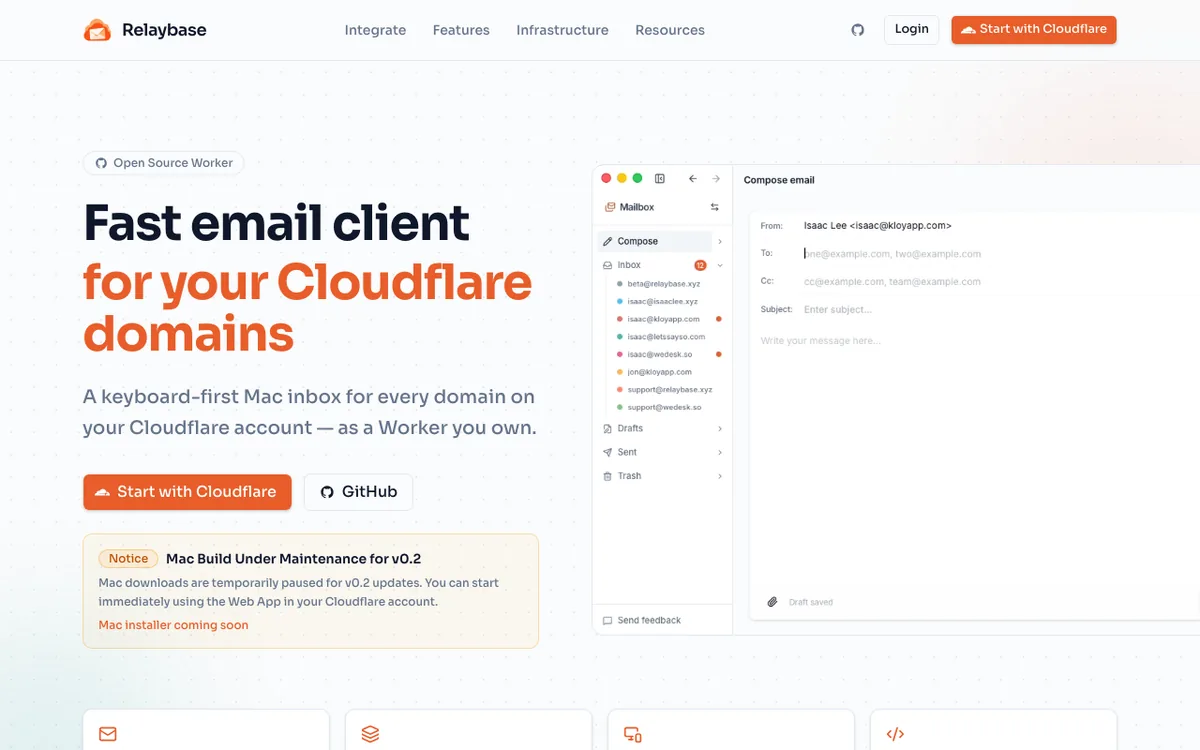 Relaybase’s homepage. Screenshot: relaybase.email.
The pitch is speed and tidy addresses. A few things from its page:
j/k navigation and a command menusupport@ without paying per mailboxThe web app is available now. The Mac app is paused while a v0.2 update is finished. The page mentions a $35 license, and you pay Cloudflare directly for what you use.
Follow the maker on X: @ycisaac.
DocFlare AI is a search box and chatbot you add to a documentation site with a single <script> tag. It answers from your own content and shows its sources.
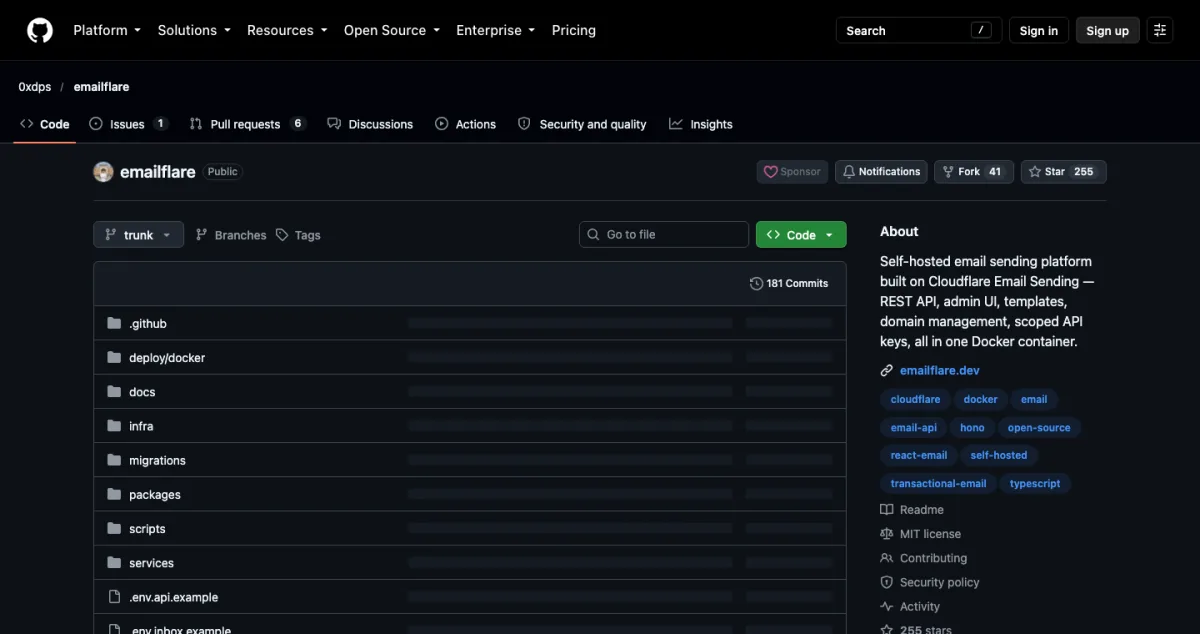
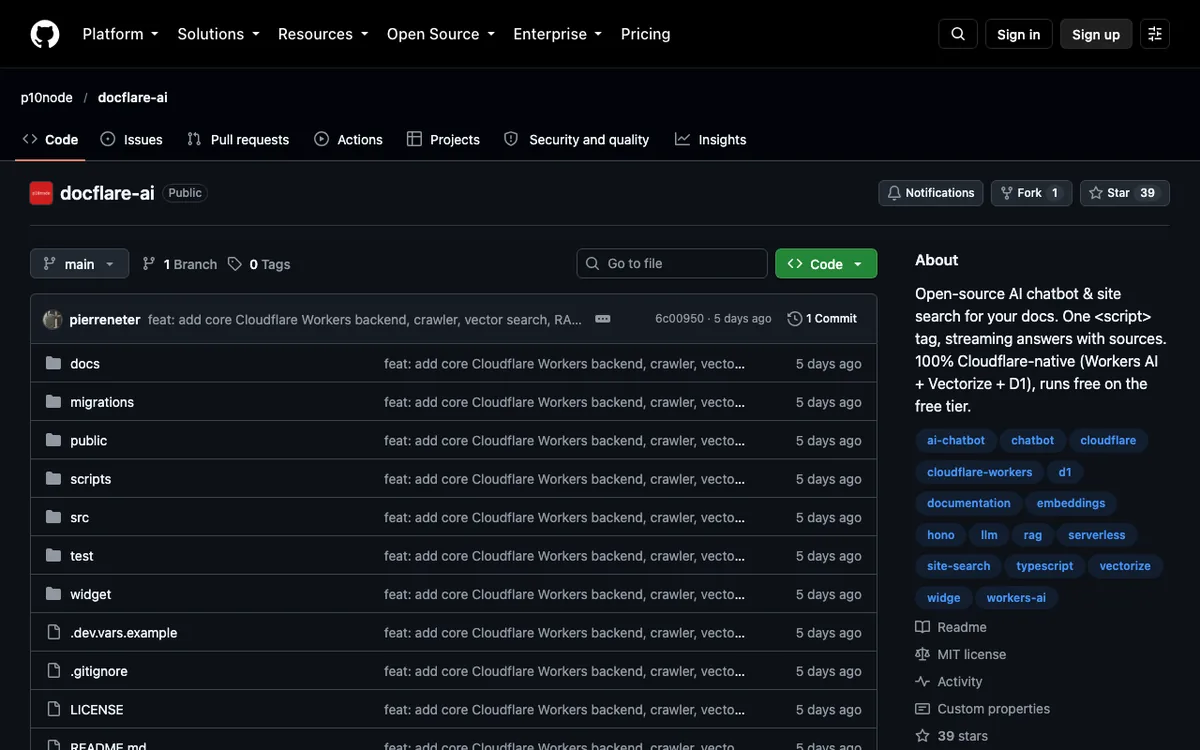 The DocFlare AI repository. Screenshot: github.com/p10node/docflare-ai.
It is all Cloudflare underneath:
The project says it runs on the free tier, though Workers AI use above the daily free allowance needs a paid plan. It is MIT licensed and very new: the repository appeared on 7 October and has about 40 stars*. That makes it a good one to try early and give feedback on.
Follow the author on X: @pierreneter.
Moving a WordPress site to EmDash goes smoothly until you reach the plugins. FAQ blocks, [year] shortcodes, lead magnets and contact forms have no EmDash version, so they break or show up as raw text.
Gaurav Tiwari ported four of his own WordPress plugins and added one more. All five are free and open source (GPL-2.0).
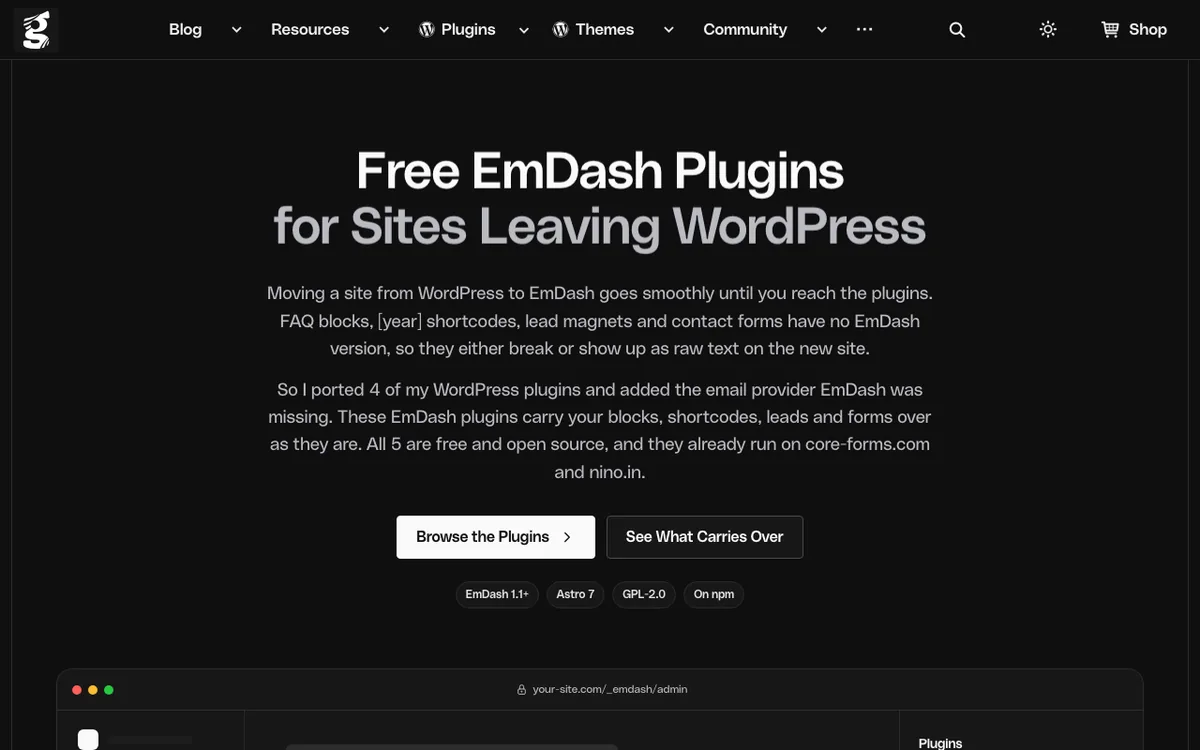 The plugins page. Screenshot: gauravtiwari.org.
They need EmDash 1.1 or later, and some need Astro 7. If you want to see how the migration looks from the other side, my free WordPress to EmDash checker shows what is inside your export before you move.
Follow Gaurav on X: @wpgaurav.
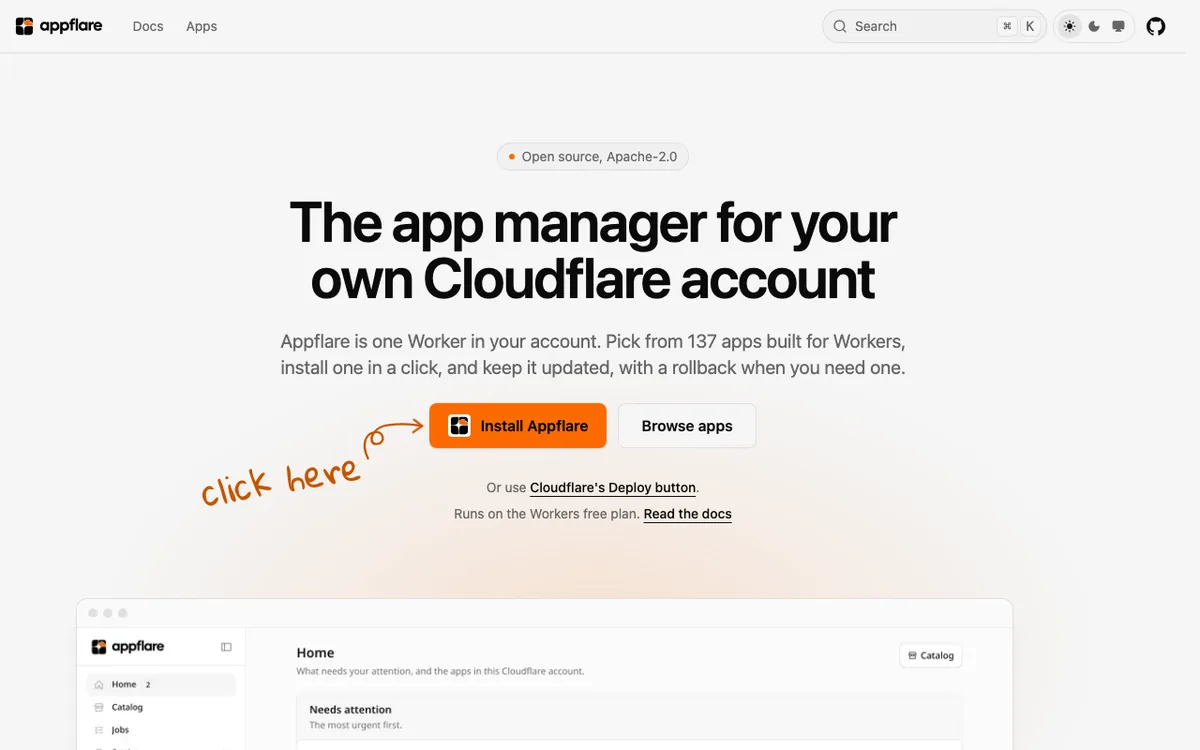
Appflare is a manager for apps that run on Workers. It is a single Worker in your account. You pick an app from its catalog of open-source apps (more than 100), install it from your browser, keep it updated and roll back if an update goes wrong.
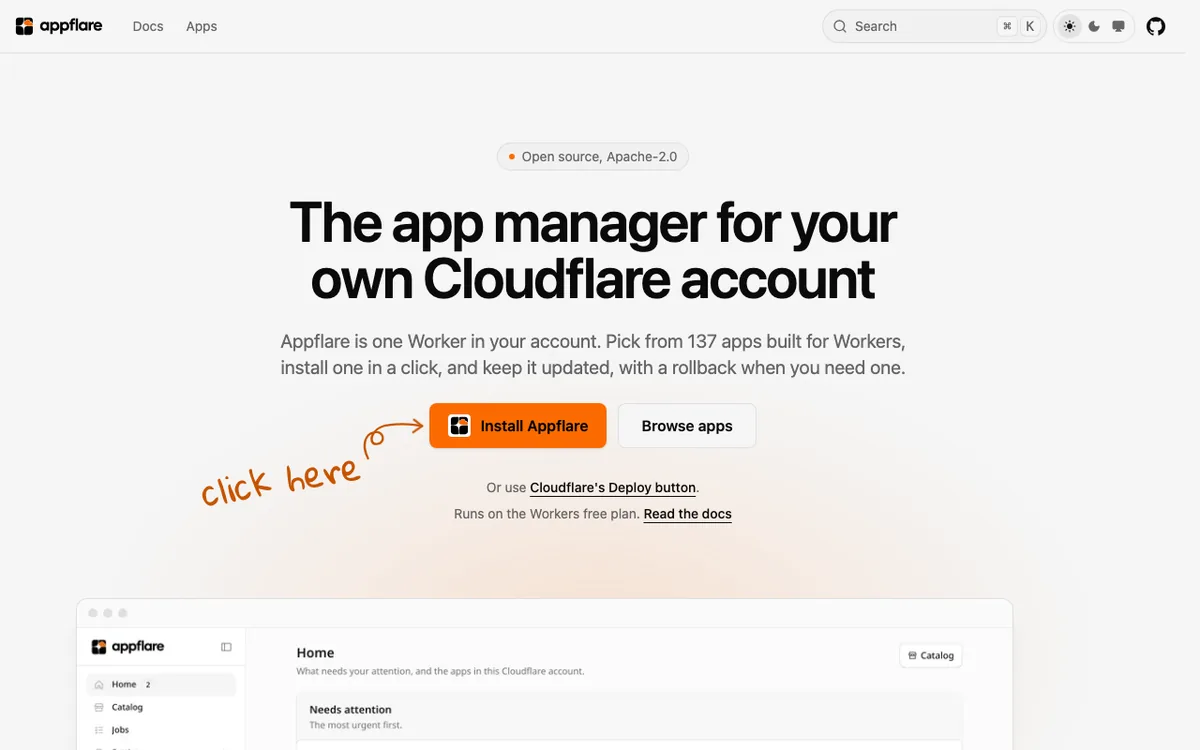 Appflare’s homepage. Screenshot: appflare.dev.
What I like about the idea:
npx create-appflare.It is Apache-2.0, about three weeks old and has 93 stars*. The project says it is independent and not affiliated with Cloudflare.
Follow the maker on X: @MendyOK. Code: github.com/appflare/appflare.
If you try several of these, you will end up with many Workers, D1 databases and R2 buckets on your machine. WorkerDock is the free Mac app I built to see them in one window: status, ports, logs and bindings. If you build something on Cloudflare, tell me on X, @harishchouhan. I may feature it next time.
Directory
Hand-picked open-source projects you can run in your own Cloudflare account.
WorkerDock finds your local Workers, Pages and Astro projects and shows each one's port, logs and bindings in one window.