 WorkerDock
DirectoryMailflare
Mailflare
Self-hosted email inbox for your own domain, with a calendar and shared mailboxes.

Mailflare is a self-hosted email inbox for custom domains. You run it in your own Cloudflare account. By default, Cloudflare Email Routing receives mail and Cloudflare’s email service sends it. Messages go to D1 and attachments to R2. You can swap in Resend or Amazon SES if you prefer.
What it does
- Shared and personal mailboxes, with a calendar and public booking pages.
- Search, routing rules, contacts, webhooks and API keys.
- An AI assistant and MCP access with per-key permissions.
- An interface in 34 languages.
Good to know
- It offers a “Deploy to Cloudflare” button, and there is also a Docker option.
- Mail is received through Cloudflare Email Routing and sent through Cloudflare’s email service, or through Resend or Amazon SES.
More in Email
Email
Box Ox
Browser inbox, sending API, webhooks and agent access, all in your own Cloudflare account.

Built something on Cloudflare? Add it to the directory.
Blog
From the blog

Cloudflare weekly: two email tools, Deno joins, and a local testing tip
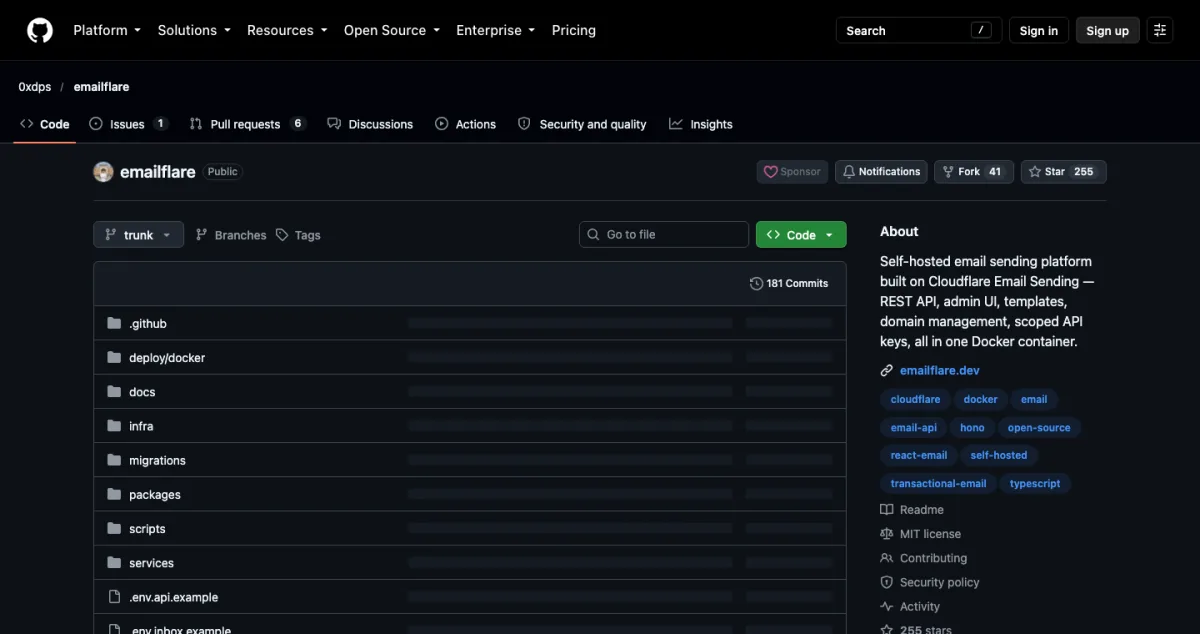
Box Ox and EmailFlare for self-hosted email, EmDash 1.0 news, Deno joining Cloudflare, and how to test Cron Triggers locally.

EmDash 1.0 and five Cloudflare-native projects worth watching
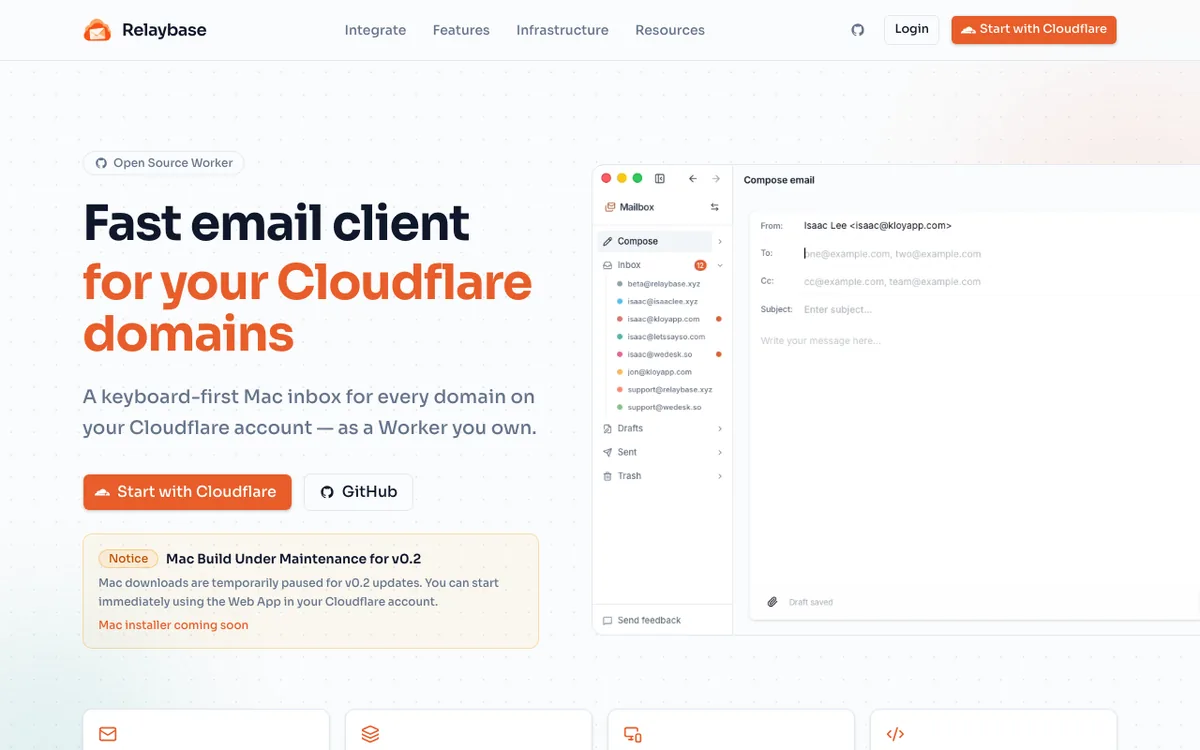
Six open projects for Cloudflare developers: the EmDash CMS, Mailflare and Relaybase email, DocFlare AI search, the Appflare app manager and EmDash plugins.

EmDash: Cloudflare's open-source CMS built on Astro
What EmDash is, what it can do, how to try it, and how it fits with Astro, D1 and R2. A plain guide for developers coming from WordPress.
Running more than one Worker?
WorkerDock finds your local Workers, Pages and Astro projects and shows each one's port, logs and bindings in one window.