 WorkerDock
DirectoryBucketDrop
BucketDrop
Mac menu bar app. Drop a file, get a link. Bring your own R2 bucket.
Developer tools
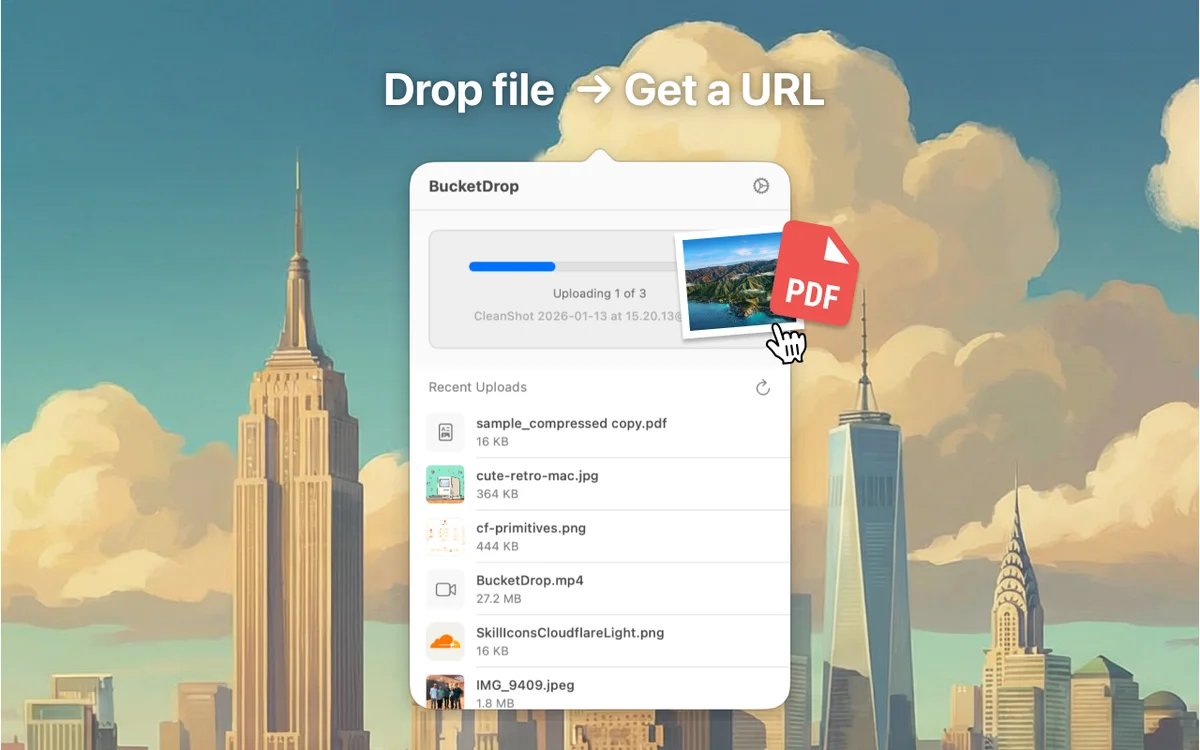
BucketDrop lives in your Mac’s menu bar. You drop a file on it, it uploads the file to your own bucket, and the link is copied to your clipboard.
What it does
- Uses your own Cloudflare R2 bucket. It also works with AWS S3 and MinIO.
- Shows your recent uploads in the menu bar window.
- Written in Swift with SwiftUI. Needs macOS 14 or later.
- Available on the Mac App Store, and the source is on GitHub.
More in Developer tools
Developer tools
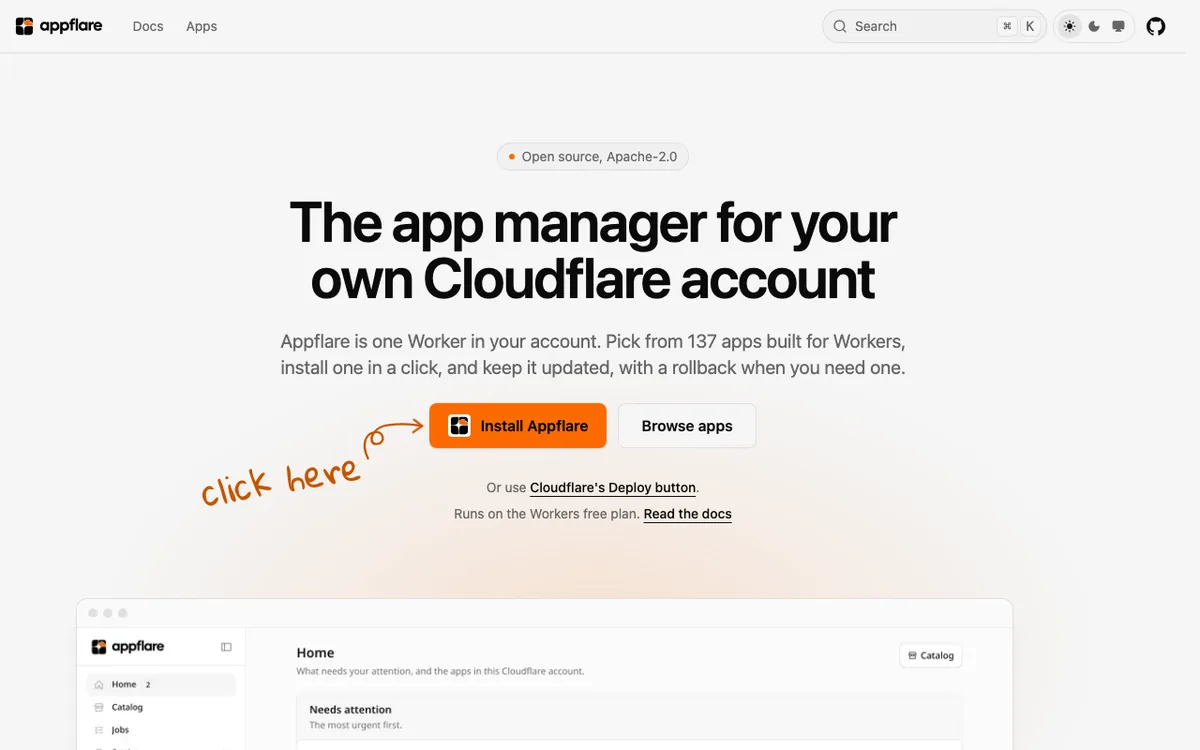
Appflare
App manager for your Cloudflare account. Install open-source Workers apps from your browser.
Developer tools
Localflare
Local dashboard for your Workers' D1, KV, R2, Durable Objects and Queues. One command from the terminal.
Developer tools
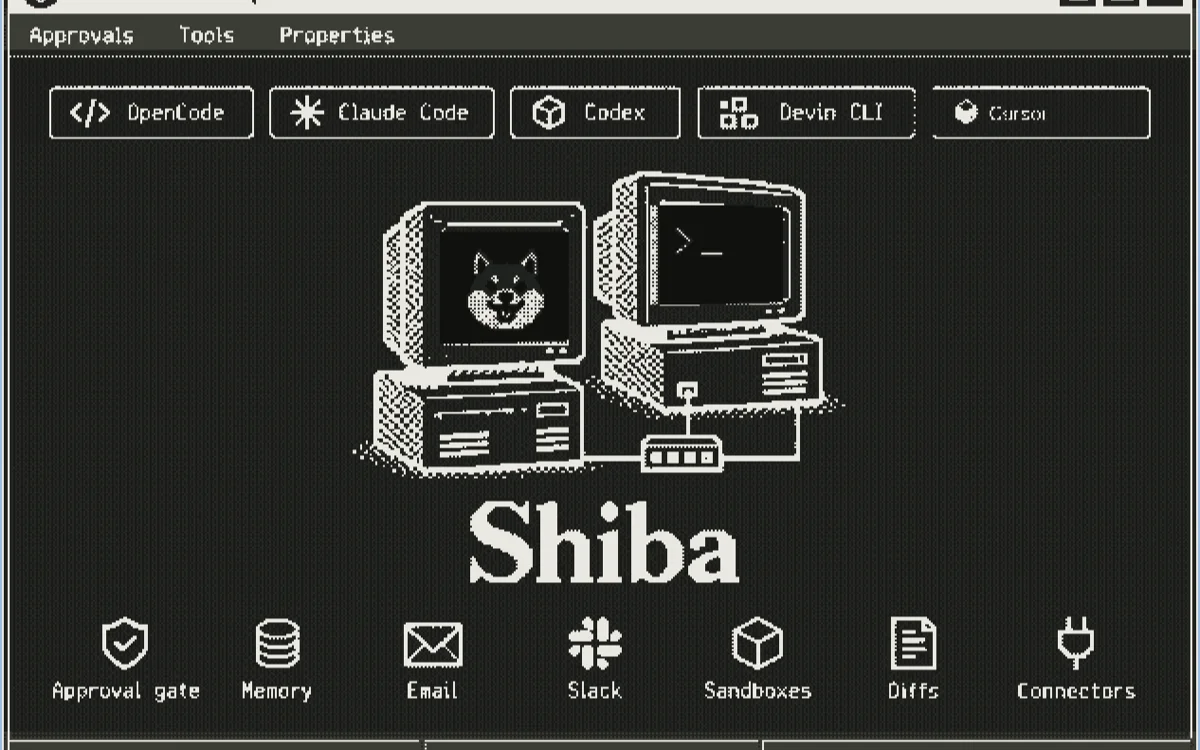
Shiba
Self-hosted AI coding agent that asks before it writes code. Runs in your own Cloudflare account.

Built something on Cloudflare? Add it to the directory.
Blog
From the blog
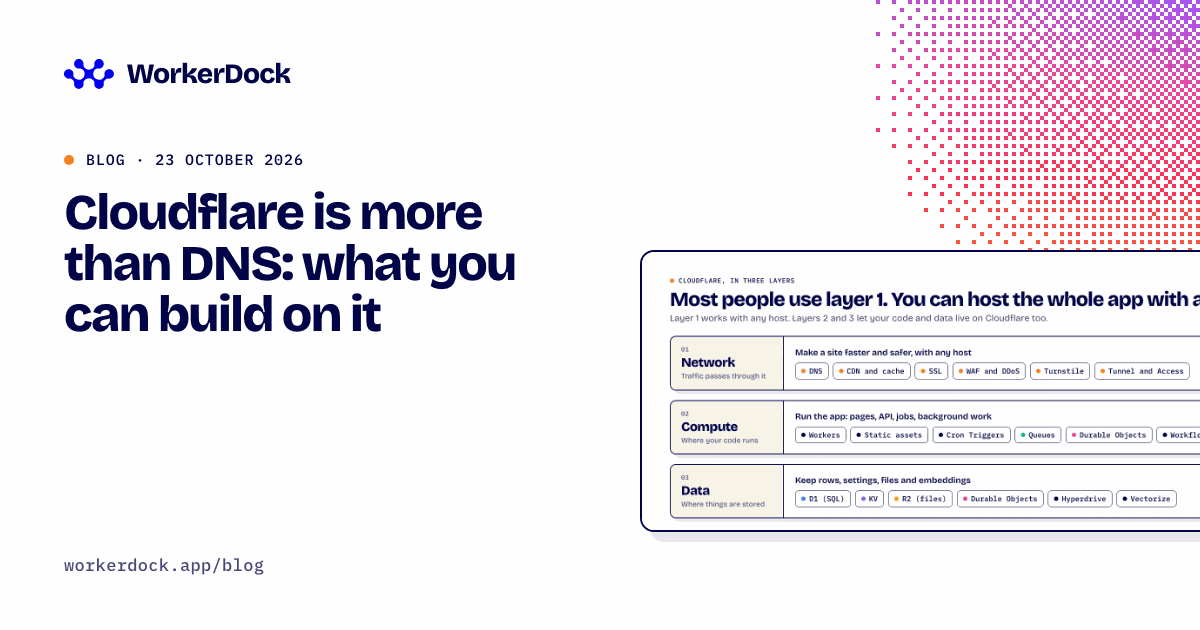
Cloudflare is more than DNS: what you can build on it
Cloudflare can host full-stack apps, databases, file storage, scheduled jobs and AI, not just DNS. What each piece does, what it costs, where it hurts, and what I run on it.

Cloudflare weekly: two email tools, Deno joins, and a local testing tip
Box Ox and EmailFlare for self-hosted email, EmDash 1.0 news, Deno joining Cloudflare, and how to test Cron Triggers locally.
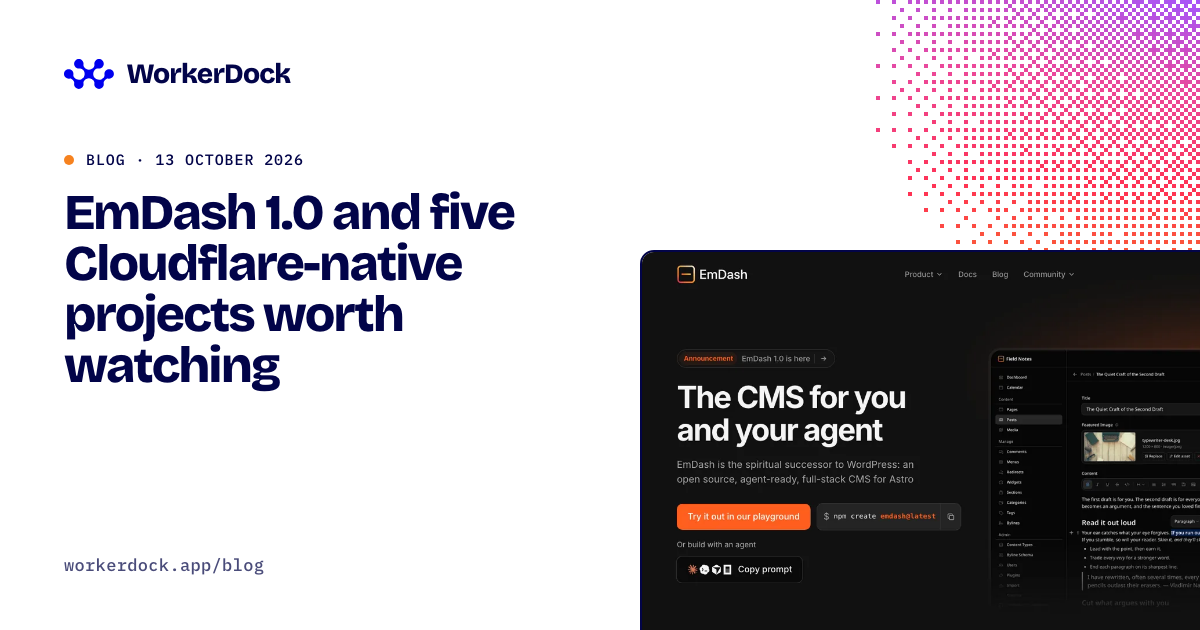
EmDash 1.0 and five Cloudflare-native projects worth watching
Six open projects for Cloudflare developers: the EmDash CMS, Mailflare and Relaybase email, DocFlare AI search, the Appflare app manager and EmDash plugins.
Running more than one Worker?
WorkerDock finds your local Workers, Pages and Astro projects and shows each one's port, logs and bindings in one window.