 WorkerDock
DirectoryLocalflare
Localflare
Local dashboard for your Workers' D1, KV, R2, Durable Objects and Queues. One command from the terminal.
Developer tools
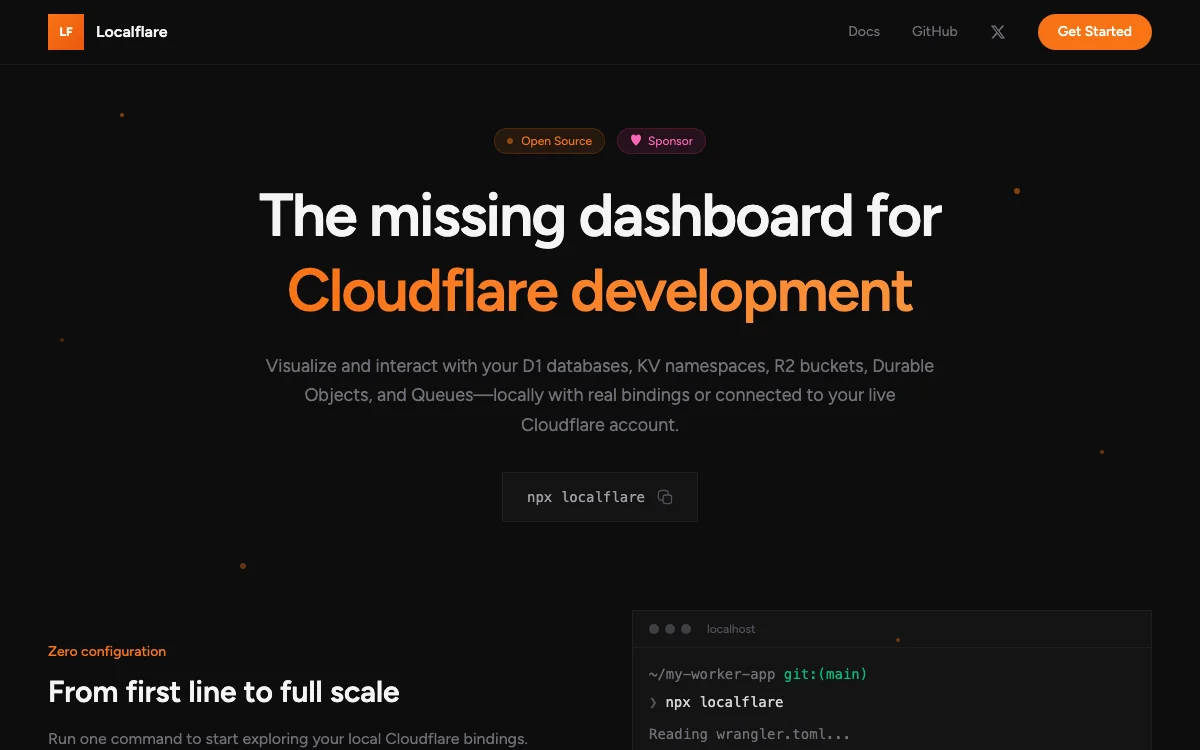
Localflare is a dashboard you open in the browser while you develop a Worker. You run npx localflare in your project, it reads your Wrangler config, and it shows your bindings.
What it does
- Browse and edit local data: a SQL editor for D1, a KV browser, an R2 file manager, a Durable Objects viewer and a Queue inspector that can send test messages.
- Needs no extra setup. It runs next to
wrangler devand uses the same bindings as your Worker. - The project’s site also describes a switch to your live Cloudflare account, using scoped API tokens.
More in Developer tools
Built something on Cloudflare? Add it to the directory.
Blog
From the blog
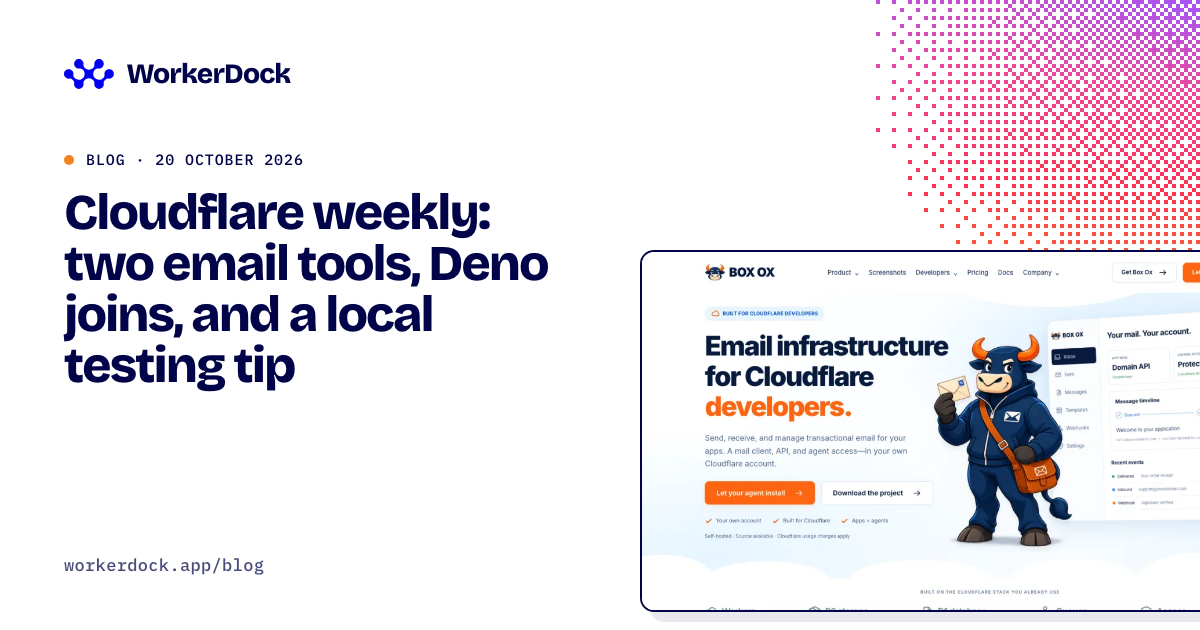
Cloudflare weekly: two email tools, Deno joins, and a local testing tip
Box Ox and EmailFlare for self-hosted email, EmDash 1.0 news, Deno joining Cloudflare, and how to test Cron Triggers locally.
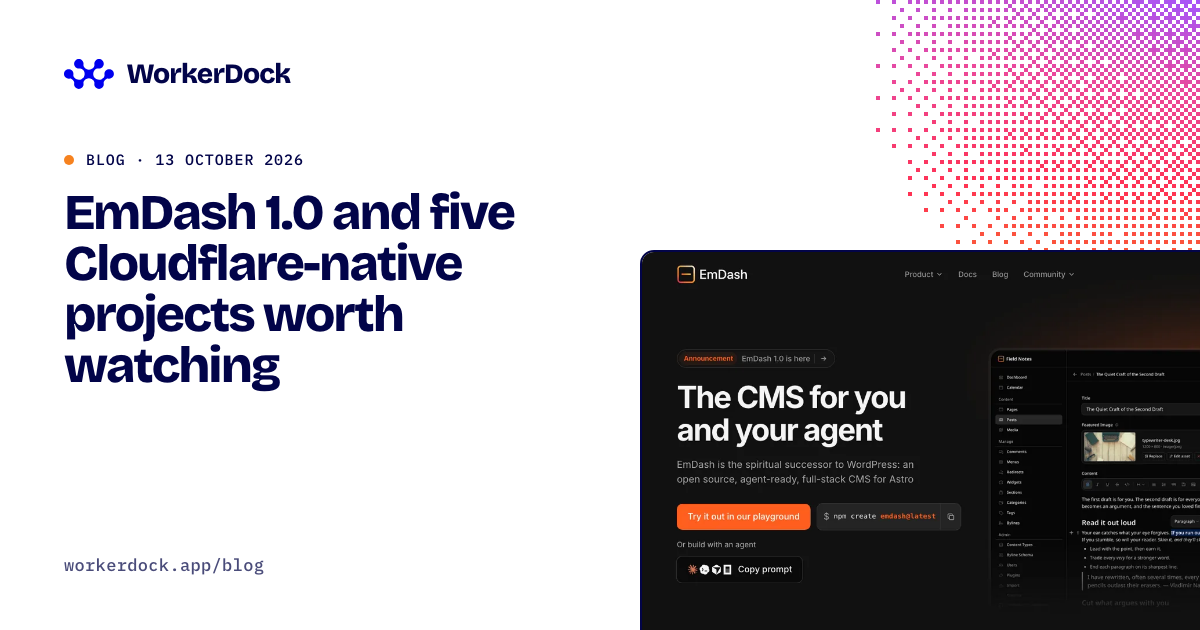
EmDash 1.0 and five Cloudflare-native projects worth watching
Six open projects for Cloudflare developers: the EmDash CMS, Mailflare and Relaybase email, DocFlare AI search, the Appflare app manager and EmDash plugins.
EmDash: Cloudflare's open-source CMS built on Astro
What EmDash is, what it can do, how to try it, and how it fits with Astro, D1 and R2. A plain guide for developers coming from WordPress.
Running more than one Worker?
WorkerDock finds your local Workers, Pages and Astro projects and shows each one's port, logs and bindings in one window.