 WorkerDock
DirectoryMFlare
MFlare
A Mac menu bar app for Cloudflare usage, quota alerts and deploy notifications. Free, with a paid Pro.
Developer tools
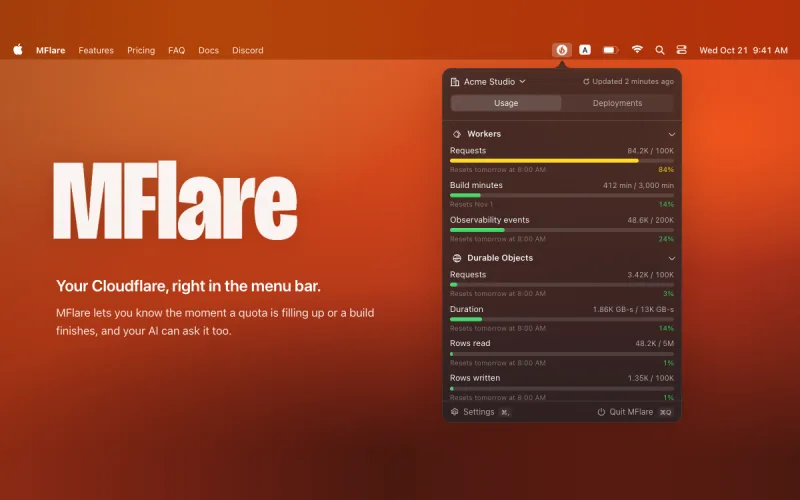
MFlare sits in the Mac menu bar and shows how much of your Cloudflare plan you have used. It is not open source: the app is free to use with one account, and Pro is a paid upgrade.
What it does
- Usage for Workers, Durable Objects, KV, R2 and D1, with an alert when a quota is filling up.
- Notifications when a build starts and finishes, whether it came from a git push or
wrangler deploy. - The data stays on your Mac, your login is kept in the Keychain, and the app talks to Cloudflare directly.
Free and Pro
- Free: the usage view, quota alerts and build notifications, limited to one account.
- Pro: unlimited accounts, an MCP server for AI agents, desktop widgets and a Raycast extension. The site lists it at $3 USD, paid once (marked down from $5 at the time of writing), for one Mac.
It needs macOS 14 or later and runs on Apple silicon and Intel.
More in Developer tools
Developer tools
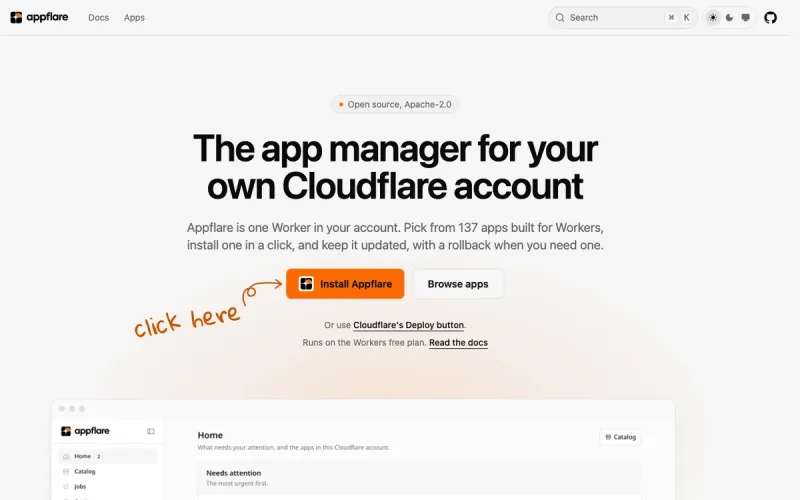
Appflare
App manager for your Cloudflare account. Install open-source Workers apps from your browser.
Developer tools
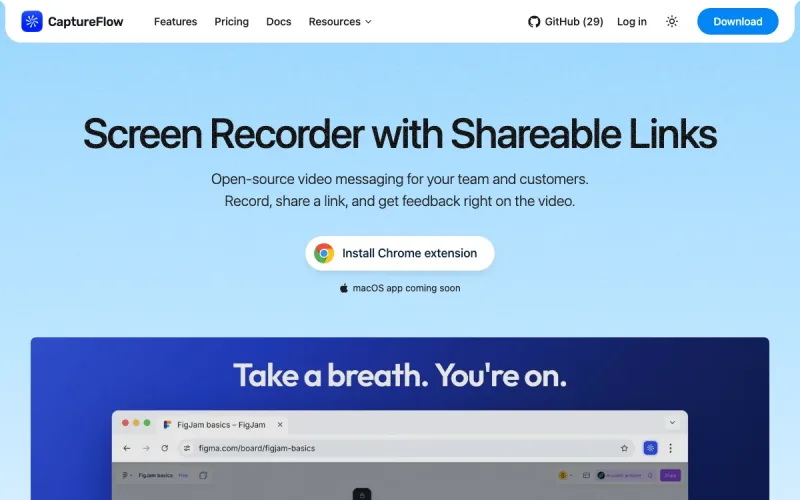
Captureflow
Open-source video messaging. Record, share a link, get feedback on the video.
Built something on Cloudflare? Add it to the directory.
Blog
From the blog
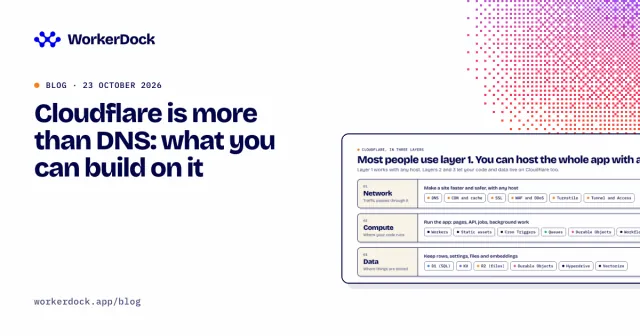
Cloudflare is more than DNS: what you can build on it
Cloudflare hosts full-stack apps, databases, storage, cron jobs and AI, not just DNS. What each piece does, what it costs, where it hurts, and what I run on it.

Cloudflare weekly: two email tools, Deno joins, and a local testing tip
Box Ox and EmailFlare for self-hosted email, EmDash 1.0 news, Deno joining Cloudflare, and how to test Cron Triggers locally.
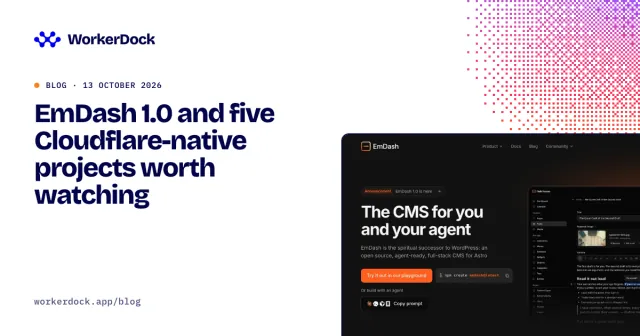
EmDash 1.0 and five Cloudflare-native projects worth watching
Six open projects for Cloudflare developers: the EmDash CMS, Mailflare and Relaybase email, DocFlare AI search, the Appflare app manager and EmDash plugins.
Running more than one Worker?
WorkerDock finds your local Workers, Pages and Astro projects and shows each one's port, logs and bindings in one window.